 Project
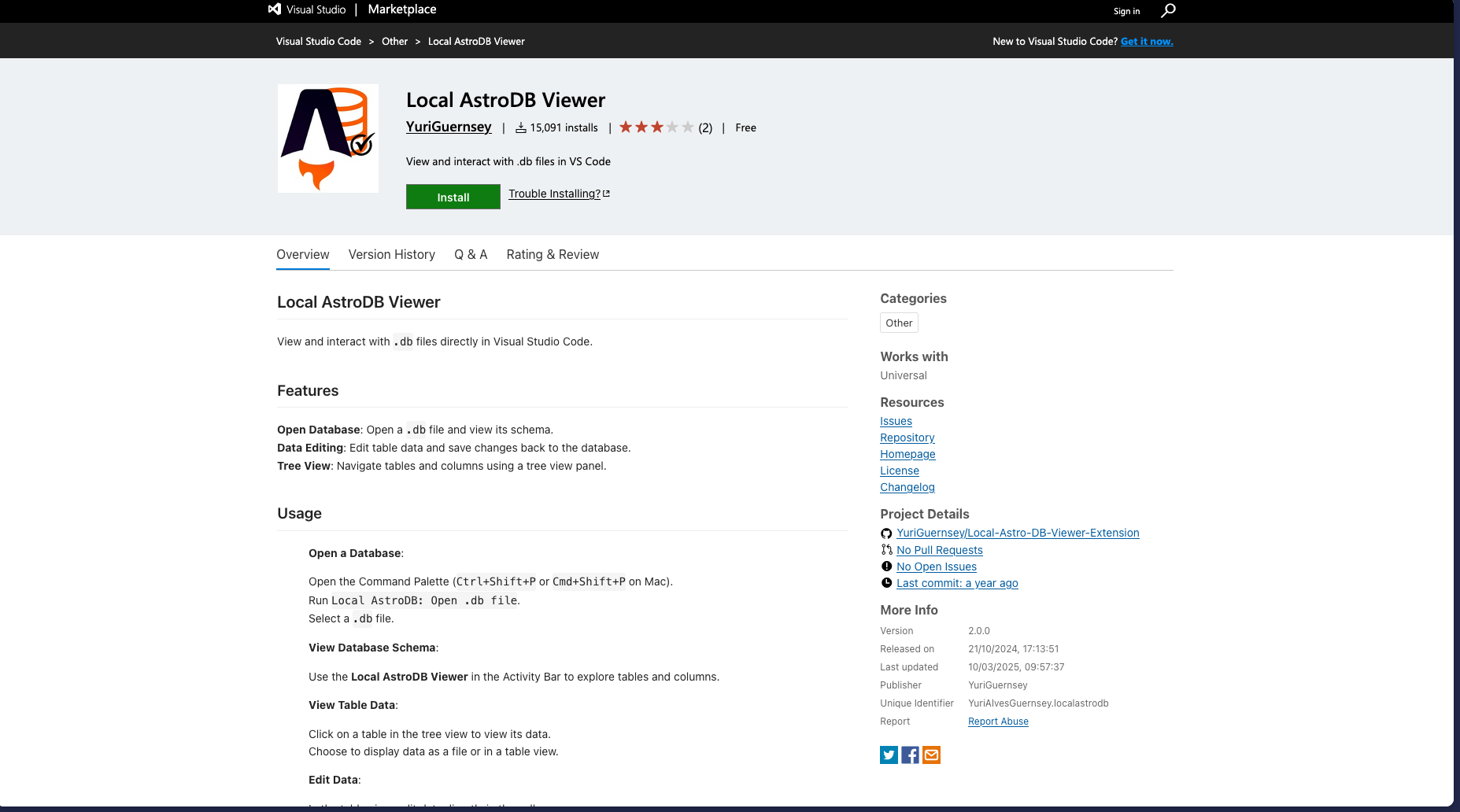
 Local AstroDB Viewer VS Code Extension
A VS Code extension to actually see what’s inside your .db files
Why I Built This
I got tired of the same loop:
- See a .db file
- Want to check something quickly
- Open a separate DB tool
- Connect
- Wait
- Lose focus
All just to check one value.
It’s one of those small annoyances that shouldn’t exist, but you deal with it every day.
So I didn’t overthink it, I just built the thing I wanted.
What It Does
It’s a simple VS Code extension that lets you open and inspect .db files directly inside your editor.
That’s it.
- Open a database
- Browse tables
- Click into rows
- Edit values
No setup, no config, no switching apps.
Just right-click your .db file and get on with it.
The Goal
This wasn’t about building a full database tool.
It was about speed.
I wanted something where:
“I just need to check something quickly”
…actually stays quick.
Under the Hood
Nothing crazy here.
- VS Code extension API
- SQLite under the hood
- Custom sidebar + table viewer
The main focus was making it feel instant and not get in your way.
What I Learned
This project reminded me of something simple:
The best tools aren’t always the most powerful, they’re the ones you actually use.
Also:
- Dev friction adds up more than you think
- Context switching kills momentum
- You don’t need a big idea, just fix your own problems
What I’d Improve
There’s still a lot I want to add:
- Add / delete rows
- Better editing UX
- Live updates when the DB changes
- Maybe some basic query support
Right now it does the job, but there’s room to make it properly solid.
Final Thoughts
This is one of those tools that doesn’t sound exciting, but you end up using it way more than you expect.
It just removes a bit of friction from your day.
And that’s usually enough.